

Commencement
Portal

Senior School
On your first day, please present to the Senior School Reception at 8.00am. You will be met by your Dean and a student buddy.
What to bring in your TIGS backpack:
- A water bottle, recess and lunch
- laptop
- pencil case and calculator
- textbooks and stationery (view the textbook section below)
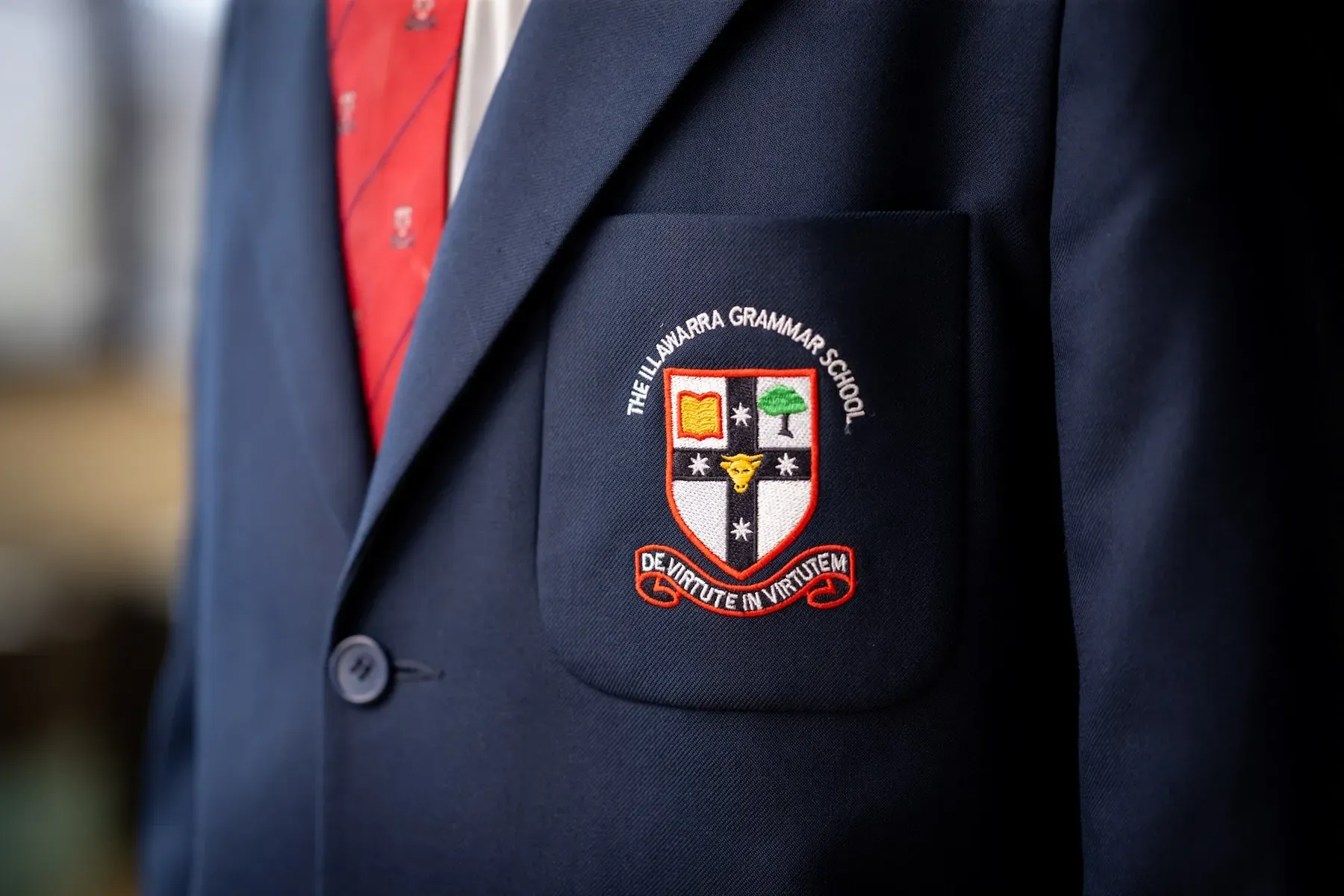
Our students wear their uniforms with pride and are expected to maintain high personal standards of presentation.
The Uniform Shop is operated by Perm-A-Pleat and located at 2 Marshall Rd, Dapto NSW 2530.
Trading hours (until 30 May)
- Tuesday: 8.00am – 12.30pm
- Wednesday: 1.00pm – 5.30pm
- Thursday: 10.00am – 6.00pm
- Saturday: 9.00am – 1.00pm
Winter trading hours (commencing 2 June until 20 June)
- Tuesday 8.30am – 12.00pm
- Wednesday 2.00pm – 5.30pm
- Thursday 1.30pm – 6.00pm
- Saturday 9.00am – 1.00pm
Closure and new location: The uniform shop will be closed from 21 June until 16 July. On 16 July, the new on-site uniform shop will open. More information will be added here once available.
Second-Hand Uniform Shop
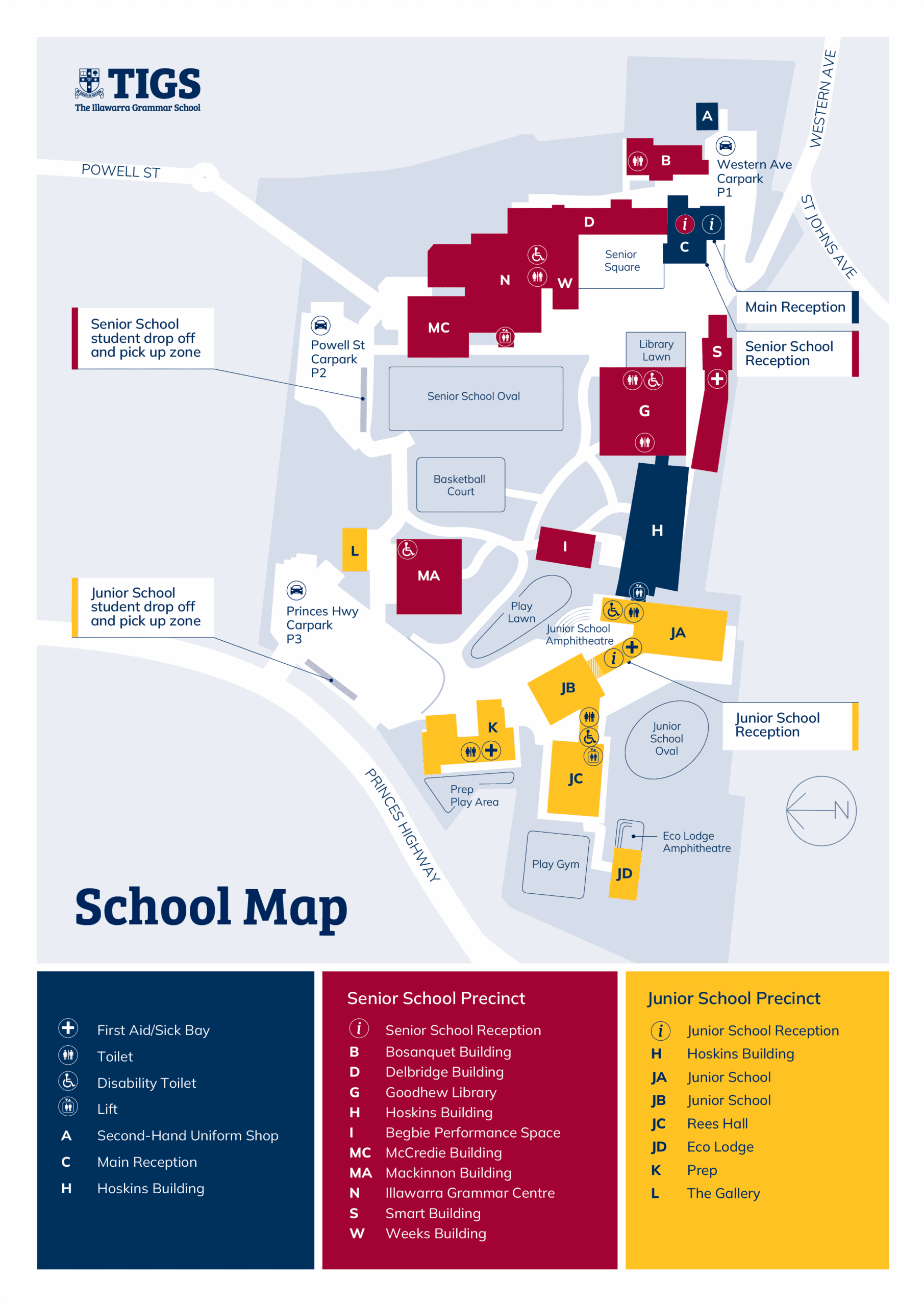
Our P&F Association run a Second-Hand Uniform Shop on site at the School, just near the car park off Western Ave. It is currently closed as the P&F seek more volunteers, it will reopen shortly. More information will be added here once available.
How the School communicates with parents and carers:
- Consent2Go – Used for excursion permissions and other activity approvals.
- OLLE – The primary hub for year group-specific information, including homework, assessments, cocurricular activities, calendars, timetables, attendance and daily school operations such as the canteen, transport and uniform updates. You will receive an email with your login information.
- Newsletter – A fortnightly update featuring news and important announcements. It is emailed to parents and available on OLLE and the School’s website.
New students and parents will receive access to each of these channels upon commencement.
In urgent situations, particularly those involving unexpected or time-sensitive events, the School may also send an email or text message.
How parents and carers can communicate with the School:
- Diary – Ideal for quick correspondence, such as uniform issues or incomplete homework.
- Email – Queries can be directed to the Dean. Relevant contact details for year group Deans are available on your child’s year group OLLE page.
- Phone – For urgent matters, please contact the Senior School Reception: 4220 0200
OLLE is available in a full web-version, as well as a lite-version school app. We recommend you download the app and turn on notifications to ensure you don’t miss out on important news.
Download the App – Apple Store
Download the App – Google Play
Why should parents use OLLE Web?
- Calendar and term dates
- View students’ timetable
- Homework/assessments
- Academic reports
- Presentations and resources
- Uniform shop details
- Transport information
- Canteen information
- P&F information
- Record absences
- Policies and agreements
- Make payments
- And more.
Why should parents use OLLE App?
- Receive push notification for newsletter and important news
- Record absences
- View calendar and timetable.
We publish our term dates as far in advance as possible to ensure families can plan holidays during school holiday time. Occasionally, ‘Staff only days’ occur during term time.
For all other important School dates, please check the OLLE Calendar.
Senior School daily timings:
8.40am – Period 1 commences
3.10pm – School concludes
The Library is open from 8.00am – 5.30pm for quiet study before and after school.
To view all daily timings and your child’s individual timetable, please visit OLLE.
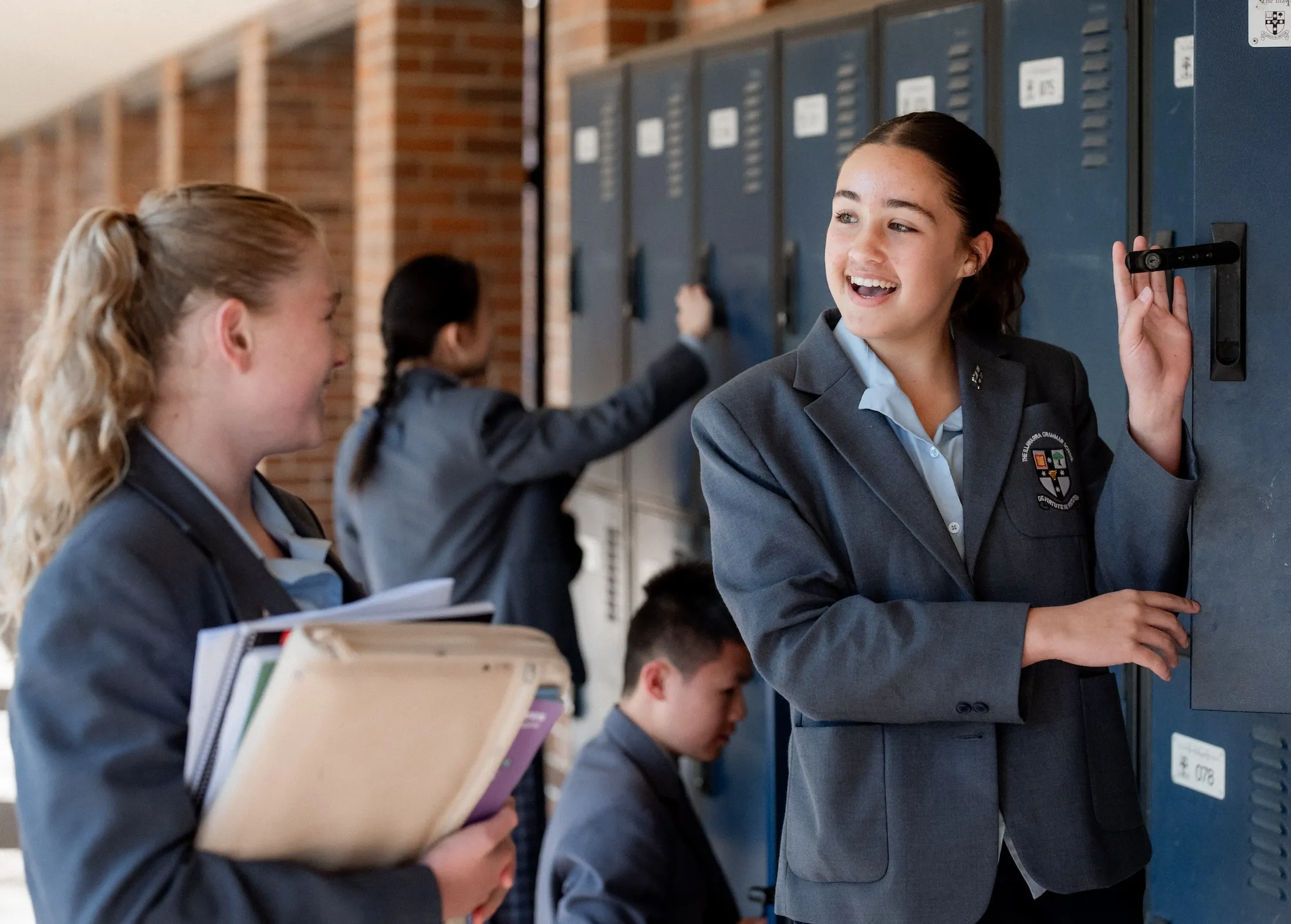
During the School day, students are expected to secure any mobile phone or smart watch in their locker using their private code.
Except in the case of exceptional circumstances with the approval of a staff member, students’ mobile phones should not be used between the time they arrive at the School and when they leave. This includes not being used during Recess, Lunch or whilst at their lockers. Mobile phones cannot be used to pay for food at the Canteen.
Textbooks
Textbooks for all subjects can be purchased through Campion Education using the School code BB4K.
- Campion’s How to Order Flyer
- View Textbook List PDF
- Please note: students in the Heritage Chinese class should refrain from purchasing the Language textbook until they have discussed which textbook to purchase with their teacher during their first lesson.
Stationery
Stationery can also be ordered through Campion Education or purchased from your preferred supplier.
All Senior School students are required to bring their own personal device to School each day. To assist with the process of purchasing a device, we have outlined some important information to consider, as well as our recommendations:
- As the device will be carried to and from school, as well as between classes, it is important to consider the size and weight. We recommend a 13-inch screen for portability and ease of use.
- A minimum battery life of 8 hours is recommended to accommodate students using their device across a full day of learning, without needing to re-charge.
- We strongly recommend the purchase of a Windows PC as this aligns with the device provided by the School to staff. This allows staff to support students in using a device that they are familiar with.
For your first day at TIGS your computer needs to be connected to the TIGS Wireless and a security certificate installed so that the network knows your computer is safe to be operating on the TIGS Wireless. To do that we need Administrator Access to your computer. This will also apply to installing other software that may be required. Here are some tips for making sure your computer has Administrator Access:
- Students must have administrative rights to their computers to install crucial programs at School.
- Please ensure their account is changed to an admin account or a new account is created for them that has admin rights.
- For Windows: Settings -> Accounts -> Family and other users -> Select student account -> Change account type to Administrator
Antivirus Software:
Up-to-date Antivirus software is a must-have to keep your own and others files safe. Free Antivirus software is available for both Windows and Apple Mac computers.
Free Windows Antivirus Software: Sophos for Windows Home Edition
Free Mac Antivirus Software: Sophos for Mac Home Edition
Travelling by train or bus
At Illawarra Grammar, students have access to a variety of convenient transportation options. This includes private buses, public buses for our students only, train station transfer and after-hours buses.
Travelling by car
Our drop-off and pick-up point for Senior School students is at the School Car Park accessed from the end of Powell Street.
There are a range of cocurricular activities for students to participate in, such as debating, chess club, sport, music and more. These activities take place before and after School, as well as during lunchtime.
Students interested in music tuition and performance are welcome to join Illawarra Grammar’s Music Academy.
Specialist tutors provide weekly lessons on a range of instruments to our students; a full list is detailed in the application form below. The lessons are held in our dedicated music tuition rooms during the school day, with some tutors offering before and after school options. There is also a range of ensembles for students.
We ask any families wishing to participate to complete the online application form. Please ensure that you refer to the Music Academy Handbook and read the Terms and Conditions carefully before enrolling for lessons.
Please do not hesitate to contact the Music Academy Coordinator via email if you have any questions regarding the Tuition Program: musicacademy@tigs.nsw.edu.au
We offer a wide range of cocurricular sports and representative pathways for students at Illawarra Grammar.
Podium Program
The Podium Program at Illawarra Grammar is designed to support our elite sportsmen and sportswomen in achieving sporting excellence without compromising their academic success. The Podium Program has three distinct levels: Gold, Silver and Bronze.
Please do not hesitate to contact our Sports team if you have any questions: sport@tigs.nsw.edu.au
Students at Illawarra Grammar can order their lunch from the Canteen or purchase it over the counter. We use the FlexiSchools app for online lunch ordering.
Students in the Senior School can use their Student ID card, which they will be given on their first day, to purchase from the canteen. Learn more here.
To view the canteen menu and further instructions on the canteen and FlexiSchools, please visit OLLE.
On behalf of the P&F, we would like to extend a warm welcome to parents and families of The Illawarra Grammar School.
There are four main ways you can be involved:
- Attend P&F Meetings and the AGM
- Volunteer for P&F events and the Second-Hand Uniform Shop
- Become a Year Group Representative and/or nominate for an executive position
- Join parent events like our monthly coffee mornings and parent drinks/family catch ups
We encourage you to visit our OLLE page for more information.
The P&F Executive

Contact Us
If you have more questions, please reach out to our Enrolments Team.
02 4220 0260
enrolments@tigs.nsw.edu.au